How to Connect Your Vape Device to Your Phone
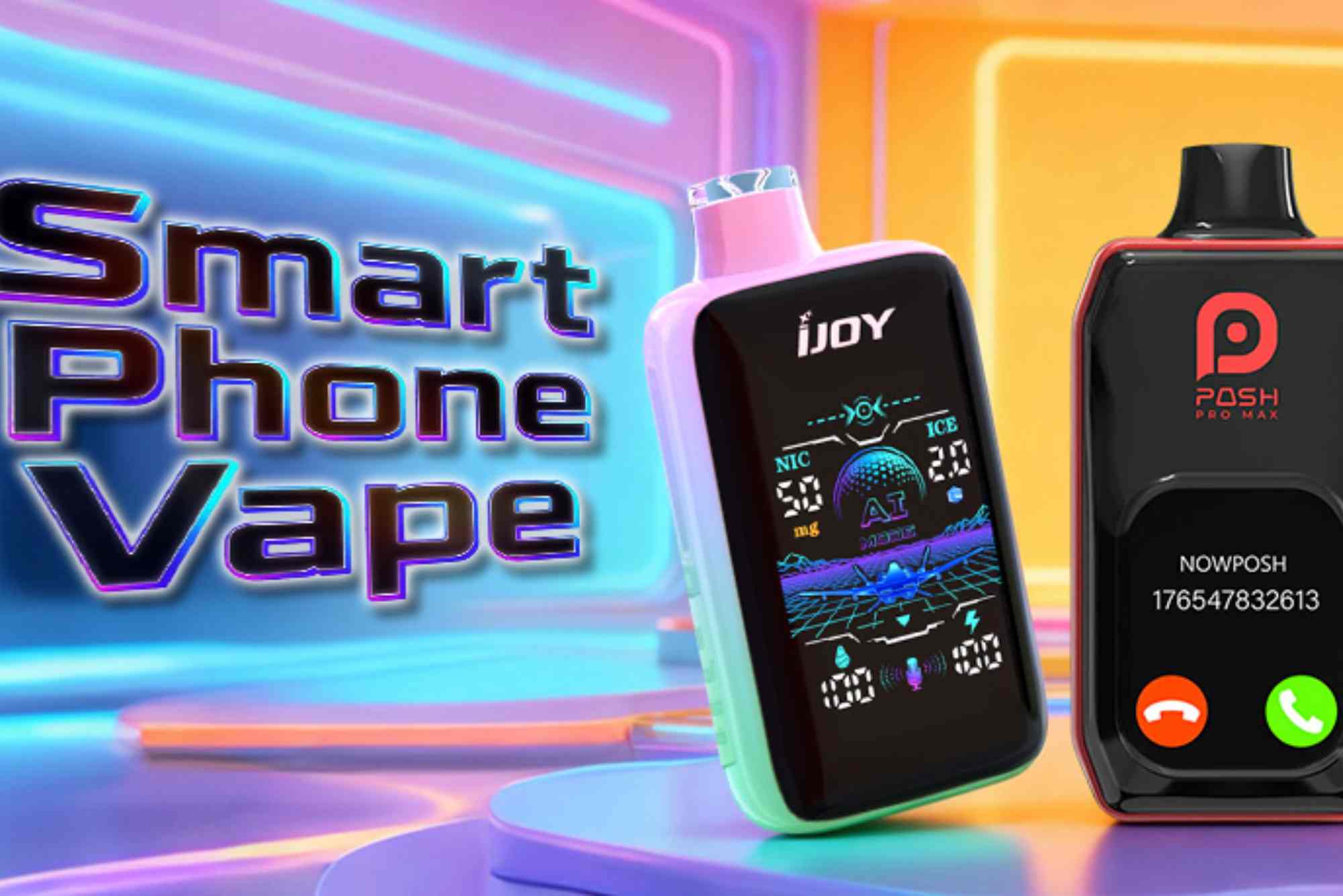
In today’s digital world, many modern vape devices offer smartphone connectivity. This feature allows users to customize settings, monitor battery life, track usage, and even update firmware. Understanding how to connect your vape device to your phone enhances your vaping experience and ensures you get the most out of your device. In this guide, we’ll break down every step clearly, share troubleshooting tips, and explore the benefits of phone integration.
Benefits of Connecting Your Vape Device to Your Phone
Customization and Personalization
Connecting your vape to a smartphone unlocks advanced control options. You can adjust wattage, temperature, and airflow directly from an app. Some devices even allow personalized puff tracking, helping you manage usage efficiently.
Firmware Updates
Smartphone connectivity allows your vape to stay updated with the latest firmware. Updates often include bug fixes, improved battery optimization, and enhanced safety features.
Usage Tracking and Safety
Modern vape apps track puff count, session duration, and battery health. Monitoring these metrics helps prevent overuse and keeps your device operating safely.
Step-by-Step Guide to Connect Your Vape Device to Your Phone
Check Compatibility
Not all vape devices support phone connectivity. Check the manufacturer’s website or app store listing to confirm your device can pair with a smartphone.
Download the Manufacturer’s App
Search your device’s brand in your phone’s app store. Popular vape brands often have dedicated apps for both iOS and Android. Download and install the app before attempting a connection.
Enable Bluetooth on Your Phone
Most vape devices connect via Bluetooth. Ensure your phone’s Bluetooth is turned on and that it can detect nearby devices.
Put Your Vape Device in Pairing Mode
Refer to your device’s manual to activate pairing mode. Usually, this involves pressing a combination of buttons or holding down the main power button for a few seconds.
Connect Through the App
Open the app and select your vape device from the list of available devices. Follow the prompts to complete the connection. Some apps may require a verification code displayed on your device screen.
Configure Settings
Once connected, explore app features. Adjust wattage, temperature, or puff duration. Many apps allow creating custom profiles for different vaping preferences.
Update Firmware if Needed
Check if your device has available firmware updates. connect vape devices to smartphones Updating ensures your vape functions optimally and improves overall safety.
Troubleshooting Connection Issues
Bluetooth Problems
If your device isn’t appearing, restart both the vape and phone. Ensure no other Bluetooth devices are interfering.
App Crashes or Freezes
Reinstall the app and clear any cache. Check for updates to both the app and your phone’s operating system.
Device Not Pairing
Reset the vape device according to the manual. Some devices require full battery levels for initial pairing.
Tips for Optimal Phone-Vape Integration
Keep Software Updated
Regularly check for firmware updates and app updates to enjoy the newest features and enhanced security.
Secure Your Device
Some apps allow locking the vape device remotely, preventing unauthorized use.
Track Usage Wisely
Monitor puff counts to avoid overuse and manage nicotine intake effectively.
Customize Profiles
Create different profiles for flavor preferences or power settings. Switching between profiles is easier than adjusting manually each time.
Popular Apps for Vape Device Connectivity
Many leading brands provide dedicated apps, such as SMOK, Vaporesso, and GeekVape. These apps let users fully control the device, track stats, and update firmware directly from their phone.
For more tips on connecting vape devices to smartphones, check your brand’s official app guide for detailed instructions.
Learning how to connect your vape device to your phone opens a world of convenience, safety, and customization. Following the steps above ensures a smooth pairing experience. Once connected, you can monitor usage, update firmware, and personalize every puff. Start enhancing your vaping experience today by pairing your device and exploring its full potential.
Take the first step—download your device’s app and connect your vape for a smarter, more controlled vaping experience.
neovapex.com is your ultimate destination for cutting-edge vaping products and accessories. Offering a wide range of high-quality e-liquids, sleek devices, and innovative mods, Neovapex ensures a premium vaping experience for both beginners and enthusiasts. Discover the latest trends and reliable products all in one place.
FAQ
How do I know if my vape device is compatible with my phone?
Check the manufacturer’s specifications. Most modern devices support both iOS and Android apps.
Why won’t my vape connect to the app?
Ensure Bluetooth is enabled, the device is in pairing mode, and no other Bluetooth devices are interfering. Restarting both devices can help.
Can I update my vape’s firmware through the phone?
Yes. Once your vape is connected to the app, check for firmware updates and follow the prompts to install them.
How can I track my vaping usage on my phone?
Most apps provide puff counts, session duration, and battery life, helping you monitor your habits effectively.
Is connecting a vape device to my phone safe?
Yes, using official apps ensures secure connectivity. Avoid third-party apps to prevent unauthorized access.