Introduction
In today’s digital age, vaping devices are no longer just standalone gadgets. Many modern vapes track usage, nicotine intake, and even health metrics, storing this information digitally. Sharing vape data across devices can help users monitor habits, sync progress, or provide insights for personal health. However, the convenience of syncing data also comes with risks if done improperly. This guide explores how to share vape data securely across devices while maintaining privacy and control.
Understanding Vape Data and Its Importance
What Vape Data Includes
Vape devices often collect a variety of information, such as puff count, device temperature, battery life, nicotine levels, and usage frequency. Some advanced devices even integrate with health apps to monitor lung function or overall wellness trends. Understanding the type of data stored is the first step toward secure sharing.
Why Secure Sharing Matters
Exposing vape data without safeguards can lead to privacy issues. Personal health information, combined with usage patterns, can be misused if intercepted by malicious actors. Secure sharing ensures your data remains private and only accessible to authorized devices or users.
Methods for Sharing Vape Data Across Devices
Cloud-Based Synchronization
Many vape manufacturers provide cloud services for syncing data. These platforms allow users to access vape history and settings from multiple devices. Always enable two-factor authentication and strong passwords to protect cloud accounts.
Bluetooth Connections
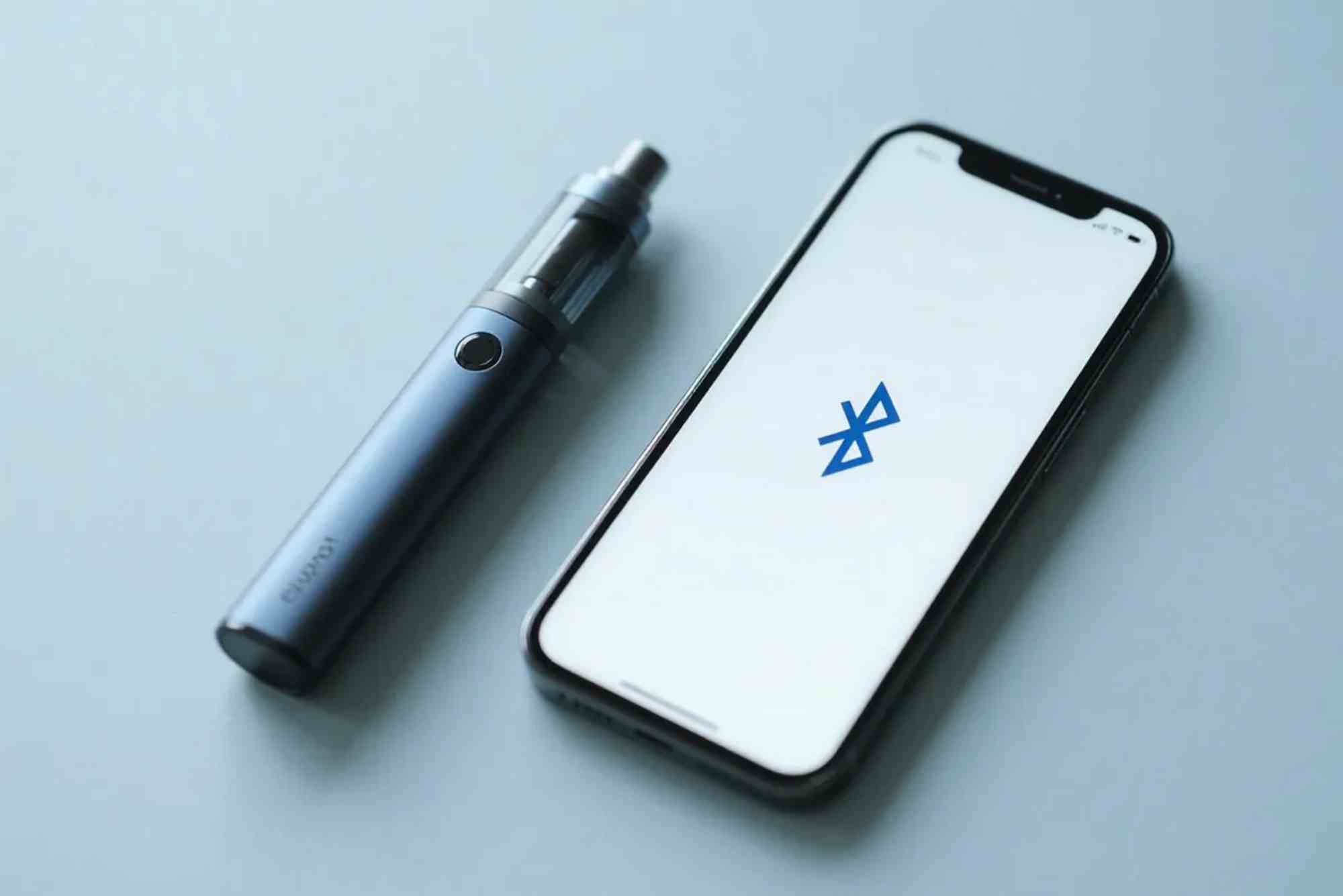
Direct device-to-device sharing via Bluetooth is convenient but requires caution. Only pair with trusted devices, keep firmware updated, and disable visibility when not actively transferring data.
Mobile Apps
Mobile apps often serve as intermediaries between devices and cloud storage. Choose apps from reputable developers, read privacy policies, and limit permissions to essential features. Apps that comply with established security guidelines provide better protection.
USB or Local Transfers
For those preferring offline methods, data can be shared via USB or local networks. Encrypt files before transfer to prevent unauthorized access. This method reduces exposure to internet-based threats but requires careful handling of devices.
Best Practices for Sharing Vape Data
Prioritize Device Security
Before sharing any data, ensure your devices are secure. Update firmware regularly, use strong passwords, and enable device encryption. For detailed guidance, refer to official resources on best practices for sharing health and device data.
Limit Data Exposure
Only share the necessary information. Avoid transmitting complete usage history if a summary suffices. This reduces the risk if the data is intercepted.
Use Trusted Networks
Avoid public Wi-Fi when syncing vape data. Use private, secure networks with encryption to ensure the information remains protected during transfer.
Implement Authentication and Access Controls
Restrict who can access your vape data. Use strong authentication methods and regularly review connected devices. Removing unused or old devices prevents unauthorized access.
Monitor for Unusual Activity
Keep an eye on your accounts and devices. Notifications of logins or access attempts help detect unauthorized activity early.
Common Challenges in Vape Data Sharing
Compatibility Issues
Different devices and apps may use unique data formats, causing synchronization issues. Always check device compatibility before attempting to share data.
Security Vulnerabilities
Outdated software, unsecured networks, or weak passwords can expose vape data. Regular updates and strong security practices minimize these risks.
Data Loss
Sharing data between multiple devices increases the risk of accidental deletion or corruption. Back up important information regularly.
Advanced Security Measures
End-to-End Encryption
End-to-end encryption ensures that only the sender and intended recipient can read the data. When possible, use apps and services that support this level of protection.
VPN Usage
For cloud syncing over public or shared networks, using a VPN adds an extra layer of security. It encrypts internet traffic, reducing exposure to potential threats.
Two-Factor Authentication
Enable two-factor authentication on all apps and cloud accounts linked to your vape data. This adds an extra verification step and makes unauthorized access more difficult.
Legal and Privacy Considerations
Different regions have varying regulations on health and device data. Make sure your sharing practices comply with local laws and data protection regulations. Avoid sharing sensitive data with unverified third parties to maintain privacy.
Sharing vape data across devices can enhance convenience and provide valuable insights into usage patterns. However, security and privacy should never be overlooked. By following best practices, using trusted apps, encrypting transfers, and monitoring access, users can enjoy seamless syncing without compromising personal information.
FAQs
Can I sync vape data between iOS and Android devices?
Yes, but it depends on app compatibility. Look for apps that support both platforms and follow secure transfer guidelines.
Is cloud storage safe for vape data?
When used correctly with encryption and strong authentication, cloud storage is generally safe. Avoid public accounts and weak passwords.
How often should I update my vape device firmware?
Firmware updates should be installed as soon as they are available to patch security vulnerabilities and improve device stability.
Can Bluetooth transfers be hacked?
Bluetooth transfers can be vulnerable if devices are left discoverable. Always pair with trusted devices and disable visibility after use.
What should I do if my vape data is compromised?
Immediately change passwords, revoke access for all devices, and monitor your accounts for suspicious activity.
How do I back up vape data securely?
Use encrypted local backups or secure cloud services. Regularly check backup integrity and store copies safely.