Introduction
Vaping has become a popular alternative to traditional smoking, and technology continues to enhance this experience. One exciting advancement is syncing your vape with a smartwatch or fitness tracker. This integration not only offers convenience but also empowers users to monitor their vaping habits and overall health in real time. In this guide, we explore how this technology works, its benefits, and tips for optimizing your devices.
Understanding Vape and Wearable Connectivity
How Smart Vapes Communicate
Modern smart vapes come with Bluetooth capabilities, allowing them to communicate with mobile apps. This connection enables the transfer of usage data to your smartphone. From there, your smartwatch or fitness tracker can access this information. Tracking puff counts, nicotine levels, and usage frequency becomes seamless.
Role of Smartwatches and Fitness Trackers
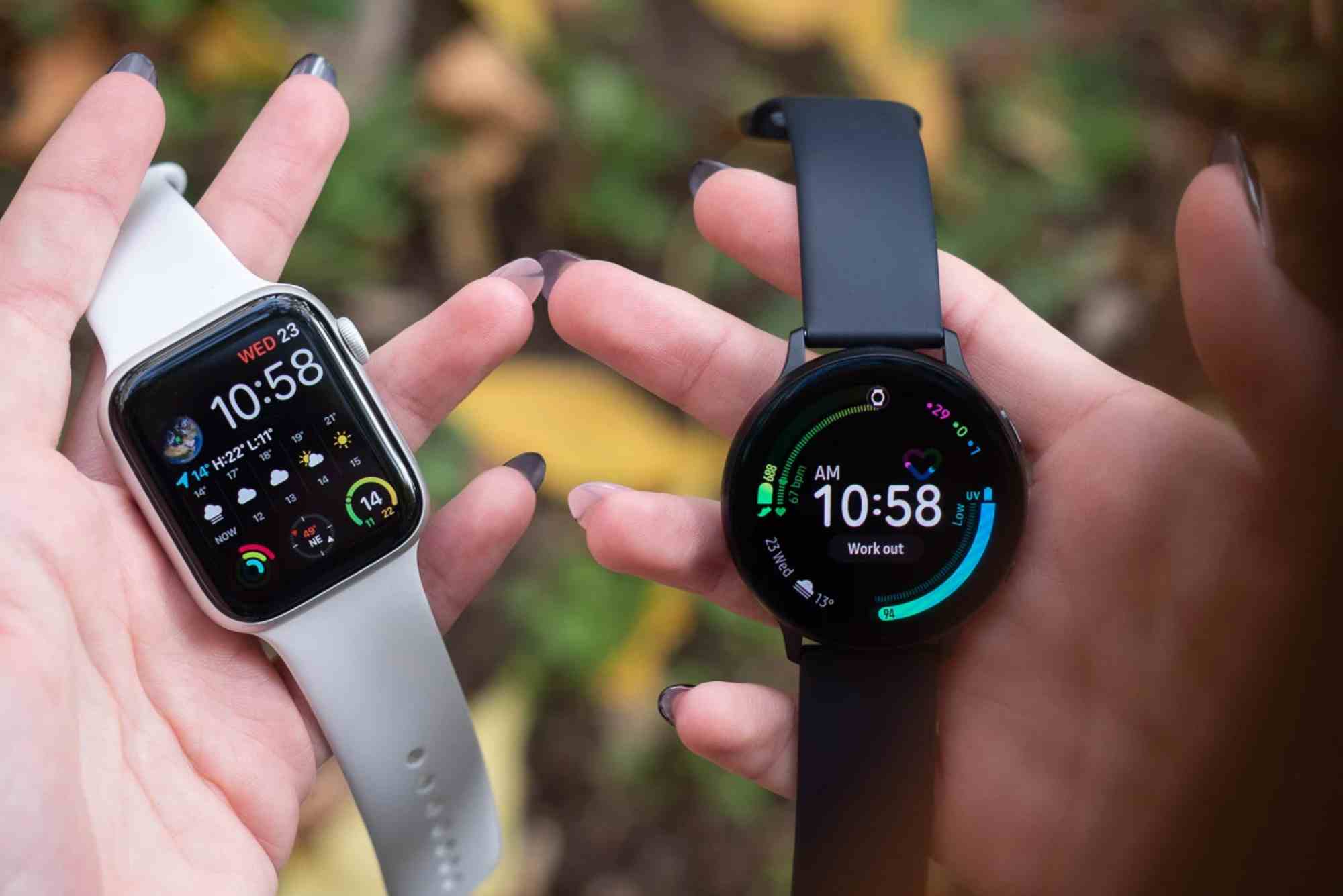
Smartwatches and fitness trackers collect health metrics like heart rate, sleep patterns, and activity levels. When paired with a smart vape, they provide a holistic view of your wellness. This integration allows users to see how vaping may influence physiological responses over time.
Benefits of Syncing Your Vape
Monitoring Usage Patterns
Tracking your vaping habits helps identify triggers and peak usage times. For example, you can notice increased usage during stressful moments or social situations. Smartwatches can alert you when usage exceeds healthy limits, supporting moderation and better health choices.
Health Insights
When syncing health data between apps and wearables, you gain insights into how vaping affects your body. Users can track changes in heart rate, activity levels, and even sleep quality alongside vape usage. This data helps make informed decisions about lifestyle adjustments. Learn more about syncing health data between apps and wearables here.
Personalized Alerts and Goals
Some apps allow you to set goals for vaping reduction or monitor nicotine intake. When your vape communicates with your fitness tracker, you can receive notifications, reminders, or celebratory messages for meeting milestones. This gamification encourages healthier habits and self-awareness.
Setting Up Your Devices
Pairing Your Vape With Your Smartphone
To start, ensure your smart vape is charged and Bluetooth-enabled. Download the official vape manufacturer app on your smartphone. Follow the on-screen instructions to pair your device. Usually, this involves selecting your vape model and confirming the connection.
Connecting Your Smartwatch
Once your vape data is accessible via the app, open your smartwatch’s companion app. Most devices allow you to import third-party app data. Grant permission to read vape usage metrics and health statistics. This step ensures continuous tracking and synchronized updates across all devices.
Optimizing Data Sharing
Customize which data points you want displayed on your smartwatch. For instance, some users may prioritize puff count, while others focus on nicotine intake or daily usage trends. Setting preferences enhances clarity and prevents information overload.
Practical Tips for Effective Syncing
Keep Devices Updated
Always ensure your vape, smartphone app, and smartwatch firmware are up to date. Developers frequently release improvements that enhance connectivity and accuracy.
Manage Battery Life
Continuous syncing can drain device batteries quickly. Consider adjusting sync intervals or disabling real-time updates if not needed. This approach balances convenience with battery efficiency.
Maintain Data Privacy
Smart vapes and wearables collect sensitive health information. Review privacy settings and ensure data is stored securely. Avoid sharing personal data on unsecured networks or third-party apps without proper consent.
Common Challenges and Solutions
Connection Issues
Bluetooth interference or outdated software may cause syncing failures. Restart both devices and ensure they are within close proximity. If issues persist, reinstall the companion app.
Inaccurate Metrics
Sometimes, metrics like puff count or heart rate may appear inconsistent. Calibration or app updates often resolve these discrepancies. Consult your device manual for troubleshooting tips.
Compatibility Limitations
Not all smartwatches support every vape app. Verify compatibility before purchasing a device to ensure smooth integration.
Syncing your vape with a smartwatch or fitness tracker offers more than just convenience. It promotes mindfulness, supports health monitoring, and empowers users to take control of their habits. By understanding how to set up and optimize these devices, you can enjoy a safer and more informed vaping experience. Start tracking your usage today, explore health trends, and take proactive steps toward balanced wellness.
FAQs
Can I sync any vape with a smartwatch?
Only Bluetooth-enabled smart vapes with compatible apps can connect to most smartwatches. Check manufacturer guidelines.
Will syncing my vape affect battery life?
Yes, continuous syncing may reduce battery life. Adjust sync intervals to conserve power.
Is my health data safe when syncing?
Most apps offer encryption and privacy controls. Always review settings to secure your information.
Can I track nicotine intake using a fitness tracker?
Yes, if your vape app records nicotine levels, this data can often display on compatible wearables.
Does syncing improve vaping habits?
Tracking patterns, setting goals, and receiving alerts can help reduce overuse and support healthier routines.